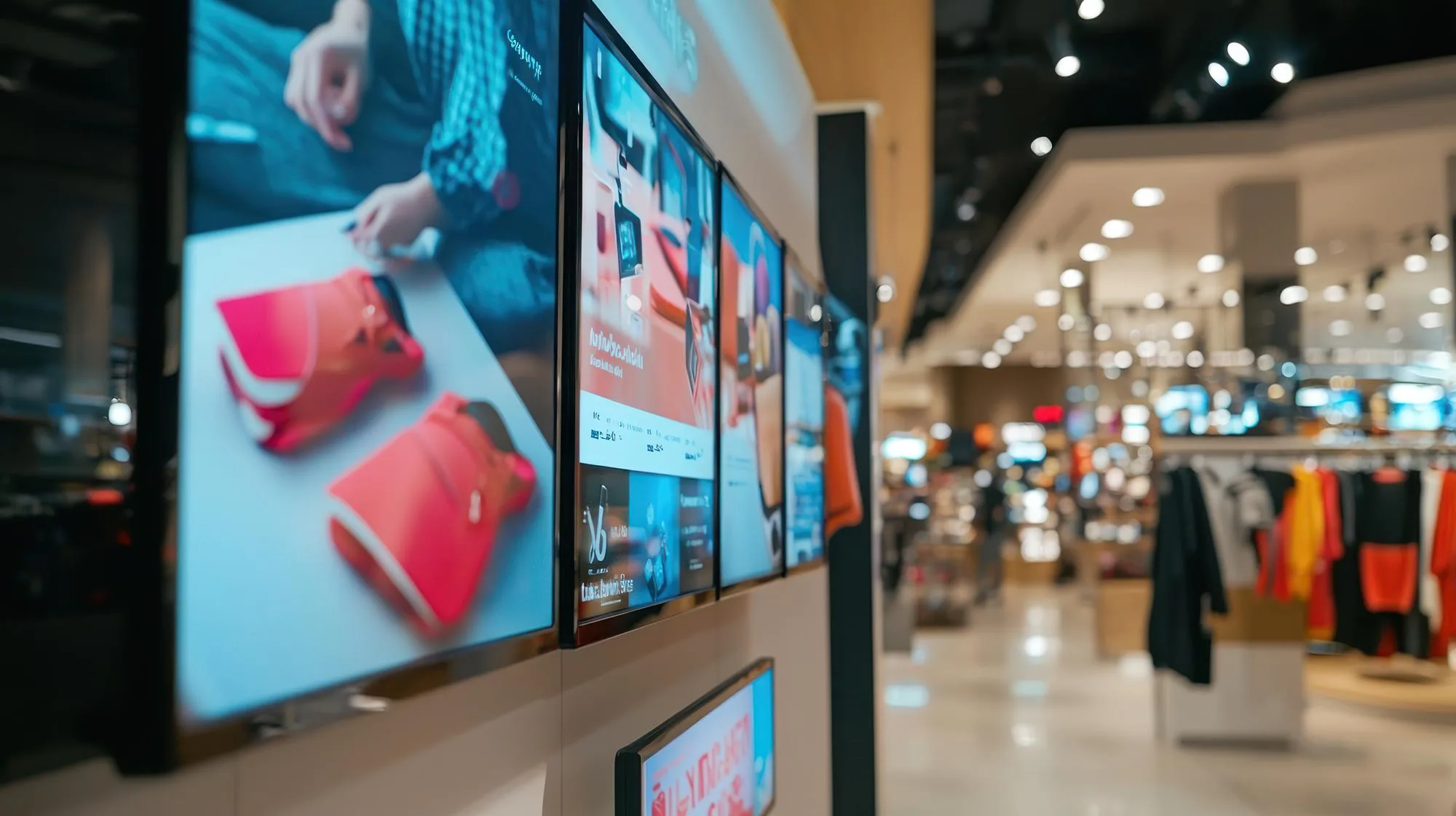

Your digital signage may work perfectly when it is first installed, but keeping it reliable over time requires more than simply switching the screens on each morning.
A screen may suddenly go blank, a media player may lose its connection, or an outdated promotion may continue playing after a campaign has ended. For businesses managing multiple outlets, even a small issue can be difficult to spot when no one is regularly checking each display.
For Malaysian businesses, regular maintenance is especially important when digital signage is deployed across different locations and operating environments. This article highlights the key areas to check, common problems to watch for and practical maintenance steps that can help keep your digital signage running reliably.
Key Takeaways
- Digital signage requires regular maintenance of both hardware and software components to prevent unexpected downtime and maintain consistent performance.
- Preventive maintenance through routine checks of screens, cables, media players and network connectivity catches problems before they disrupt customer-facing displays.
- Cloud-based platforms with remote monitoring reduce manual inspection needs and enable teams to manage multiple locations from a central dashboard.
- A practical maintenance checklist covering physical hardware, content accuracy and network status keeps displays running reliably in Malaysian commercial environments.
Why Digital Signage Maintenance Matters
Digital signage is not a set-and-forget system. Screens, media players, network connections and content all require attention to function reliably over time.
- Unexpected downtime means customers see blank screens instead of your promotions.
- Outdated content displaying expired offers damages credibility.
- Connectivity problems prevent updates from reaching your displays across multiple locations.
- Identifying problems early through regular checks prevents these issues from affecting customer-facing communication.
- A loose cable discovered during a routine inspection is simpler to fix than a failed screen during peak trading hours.
Consistent digital signage maintenance malaysia practices keep your displays operating as intended and your messaging current.
What Should You Check When Maintaining Digital Signage?
Maintaining digital signage involves checking several distinct components that work together to deliver content to your screens.
Check the Screen and Physical Hardware
Start with the display itself:
- Confirm the screen is powered on and displaying content correctly.
- Check for physical damage, discolouration or dead pixels.
- Inspect HDMI and power cables and ensure they are securely connected.
- Check that the media player is operating normally.
- Ensure ventilation around the player remains unobstructed, particularly in Malaysia’s warm climate.
- Check that wall or ceiling mounts remain secure.
Choosing the right digital signage screen size Malaysia for each location also affects how mounts and hardware should be configured.
Check Network Connectivity
Cloud-based digital signage systems depend on internet connectivity to receive content updates and management commands.
Check that:
- The media player maintains an active network connection.
- Wired Ethernet connections are secure.
- Wi-Fi signal strength is sufficient where applicable.
- The device appears online in your content management system dashboard.
Review Content and Scheduling
Content maintenance is just as important as hardware checks.
Review each screen to confirm:
- Expired promotions have been removed.
- Pricing information remains accurate.
- Scheduled content is playing at the intended times.
- Media files are playing correctly.
- Playlists loop continuously without interruption.
Keep Software Updated
Content management systems, media player firmware and operating systems require periodic updates to maintain security and functionality.
- Follow manufacturer recommendations for firmware updates.
- Update your CMS when new versions become available.
- Schedule updates during off-peak hours to minimise disruption.
Monitor Multiple Screens
When a business operates multiple screens or locations, manually checking every display becomes inefficient.
A digital signage software platform with centralised monitoring helps teams:
- Identify which players are online or disconnected.
- Manage content remotely.
- Detect issues across multiple locations.
- Respond to problems faster.
BluPepper’s dashboard shows which players are online, offline or need attention, enabling faster response to problems across your network.
Common Digital Signage Problems and What to Check
Understanding typical issues and their causes helps you troubleshoot problems quickly when they occur.
| Problem | What to Check |
|---|---|
| Screen is blank | Power connection, input source selection, media player status |
| Content is outdated | CMS schedule settings, network connection, content synchronisation |
| Screen shows offline | Network connectivity, router settings, player connection |
| Video is not playing | Media file format compatibility, player capabilities |
| Screen is flickering | Power supply stability, cable connections, display hardware |
Before investing in or upgrading a system, businesses should understand the wider considerations involved in digital signage Malaysia, including hardware, software, costs and implementation.
Preventive vs Reactive Maintenance
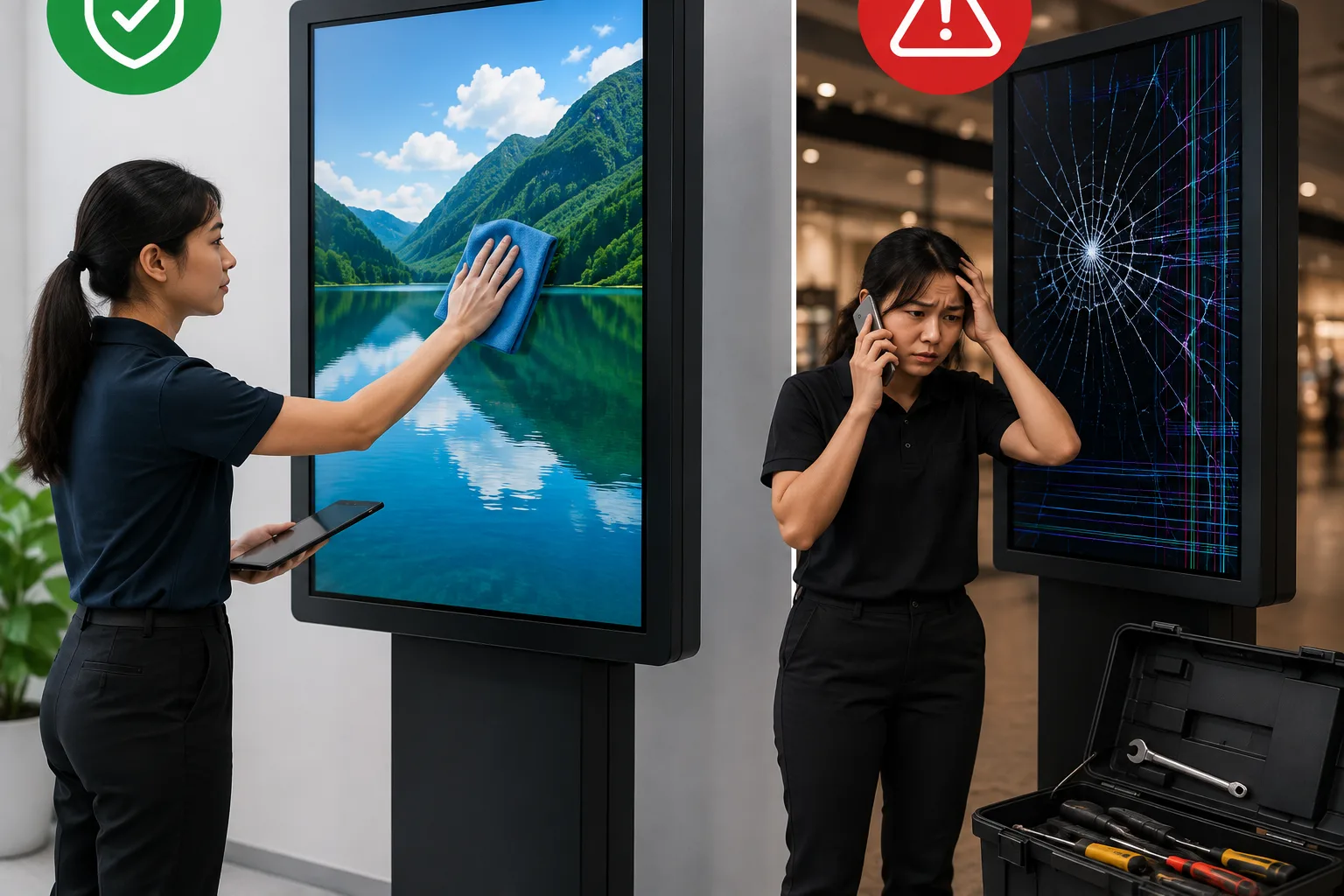
Two approaches to digital signage maintenance malaysia deliver different outcomes for reliability and cost.
Preventive Maintenance
Preventive maintenance involves scheduled checks before problems occur:
- Routine inspections of screens, cables and player status.
- Regular content reviews to remove outdated campaigns.
- Scheduled software updates during planned maintenance windows.
- Monitoring network connectivity and player performance.
Teams that invest in digital signage automation Malaysia can further streamline these preventive routines by reducing manual intervention.
Reactive Maintenance
Reactive maintenance addresses problems after they happen:
- Fixing failed screens after customers report blank displays.
- Replacing damaged equipment after failure.
- Troubleshooting connectivity issues when content stops updating.
- Correcting playback problems discovered during business hours.
Preventive maintenance catches issues earlier, often during routine checks rather than customer complaints. This approach reduces unexpected downtime and maintains consistent display performance.
How Remote Management Makes Maintenance Easier
Cloud-based platforms reduce the manual effort required to maintain digital signage across multiple locations.
With centralised monitoring, teams can:
- View the status of all displays from a single dashboard.
- Identify offline players.
- Check what content is currently displaying.
- Verify schedules without visiting each location.
- Deploy content updates remotely.
- Make schedule changes and corrections across selected locations.
Player status monitoring can also alert teams to connectivity problems or hardware issues before they cause extended downtime.
BluPepper’s digital signage CMS allows businesses to manage screens, schedule content and monitor displays from a central dashboard, reducing the time required for routine maintenance checks.
Digital Signage Maintenance Checklist
Use this practical checklist for routine maintenance of your digital signage network:
- Screen is powered on and displaying content
- Correct content is showing on each display
- Content is current with no expired promotions
- All cables are secure and undamaged
- Media player is functioning with normal indicator lights
- Network connection is active and stable
- Ventilation around player and screen is unobstructed
- CMS dashboard shows player online status
- Software updates have been reviewed and applied
- Expired campaigns have been removed from playlists
The frequency of these checks depends on your business environment. High-traffic retail locations may benefit from daily visual checks, while corporate offices might perform weekly reviews. Remote monitoring reduces the need for manual inspection by alerting teams to problems automatically.
Final Thoughts
Digital signage maintenance is not simply about keeping a screen switched on. It involves the display, media player, connectivity, software and content working together consistently.
Regular checks of physical hardware, network connections and content accuracy prevent problems from affecting customer-facing displays. Understanding the difference between preventive and reactive maintenance helps businesses maintain reliability while controlling costs. Cloud-based platforms with remote monitoring capabilities reduce manual effort and enable faster response to issues across multiple locations.
If you’re looking for a reliable digital signage solution with centralised management and monitoring capabilities, contact BluPepper to discuss how our platform can help keep your screens running consistently across all your locations.